Changelog

Follow new updates and improvements to Fresh Projects.

A new way to sign in 👩🏻‍💻🔑

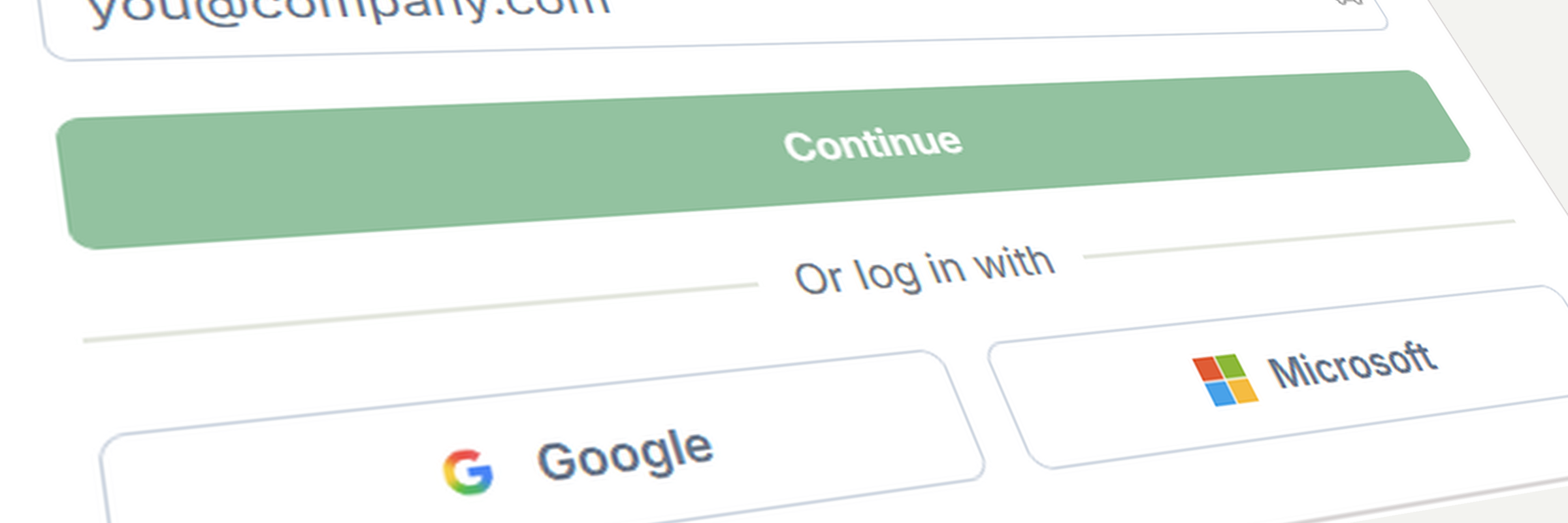
In the next few days, Fresh Projects is getting a new login page. You’ll keep the same account and the same password, with a few new ways to sign in.

What’s New:

  • Sign in with Google or Microsoft: If your practice runs on Google or Microsoft 365, you’ll be able to sign in with one click. The first time you do, it’ll link to your existing Fresh Projects account.

  • One login across practices: If you work with more than one practice on Fresh Projects, you’ll be able to switch between them without signing in again.

  • Your existing login stays the same: Your email and password will work exactly as they do now. There’s no reset and nothing you need to do.

Why This Matters:

  • Your own security rules apply: If your team signs in with Google or Microsoft, the two-factor and device rules your practice already uses there will cover Fresh Projects too.

  • Fewer password resets: Signing in with Google or Microsoft means one less password for your team to keep track of, and less time lost to resetting it.

Any questions in the meantime, our support team is happy to help 🚀
New

Not Everyone Works a Five-Day Week 📅

What’s New:

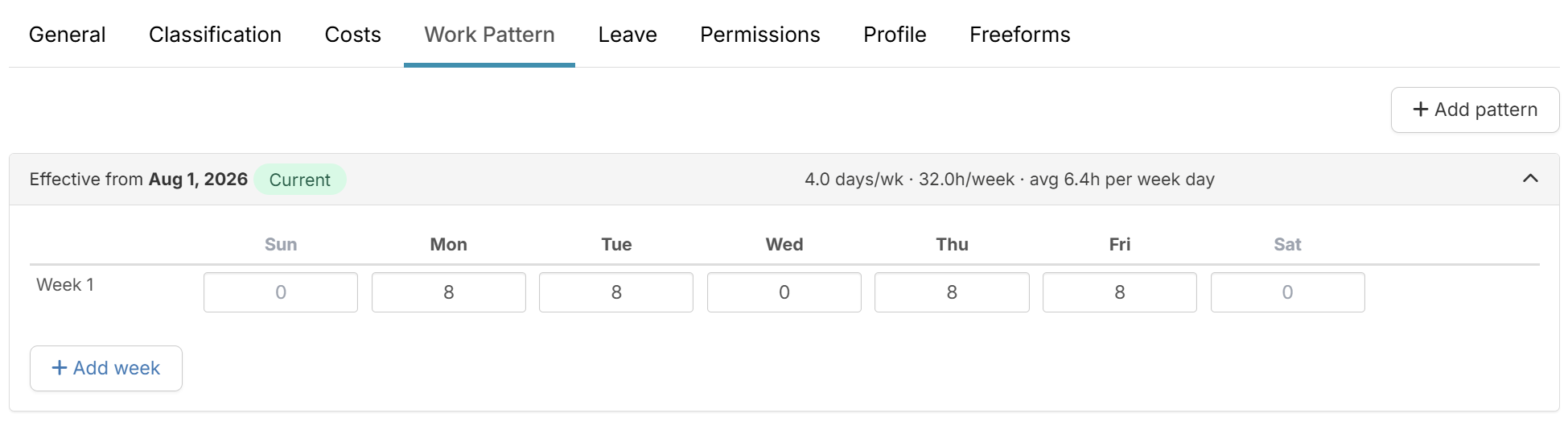
  • A schedule per person: Set which days each employee works and how many hours on each, including patterns that alternate week to week.

  • Changes from a date: Add a new pattern when someone’s hours change. The old one stays in place for everything already captured.

  • Used across the system: Leave, timesheets and Project Planner capacity all read the same schedule.

Why This Matters:

  • Part-time hours stay accurate: Half days and short Fridays count as what they are, not as an average.

  • Capacity you can trust: Project Planner bases availability on each person’s real hours, so a part-time week doesn’t get planned as a full one.

Admin users can find this under Settings > Employees, then the Work Pattern tab. Get in touch if you’d like a hand setting it up for your team 🚀

New

Contacts + Interactions, now on mobile

What’s New:

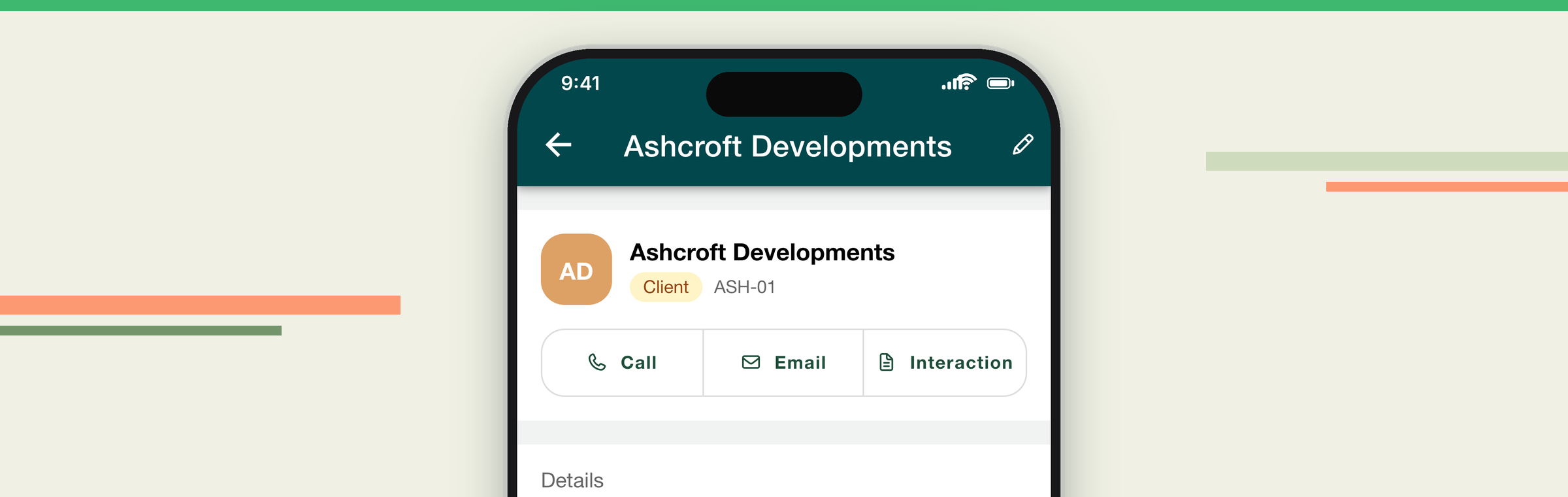
  • Capture contacts on the move: You can now add and edit contact details right in the mobile app, so you can save a new client’s details on the spot.

  • Interactions categorised and filed: Record conversations with contacts, building up a history you can look back through whenever you need it.

  • Call or email from the app: Start a call or send an email straight from a contact's page, and we'll automatically create a draft interaction for it.

Why This Matters

  • Made for site visits and travel: The details get captured when and where the work actually happens, rather than waiting until you're back at your desk.

  • Mobile and web stay in sync: Whatever you save on your phone is there on web straight away, and vice versa.

  • Nothing gets lost in between: Fewer notes on the back of a business card, and fewer conversations you're half-remembering three days later.

Update to the latest version of the app from the App Store or Google Play to start using it. If you have any questions, we're always happy to help. 🚀

New

Earlier updates