A new way to sign in 👩🏻💻🔑
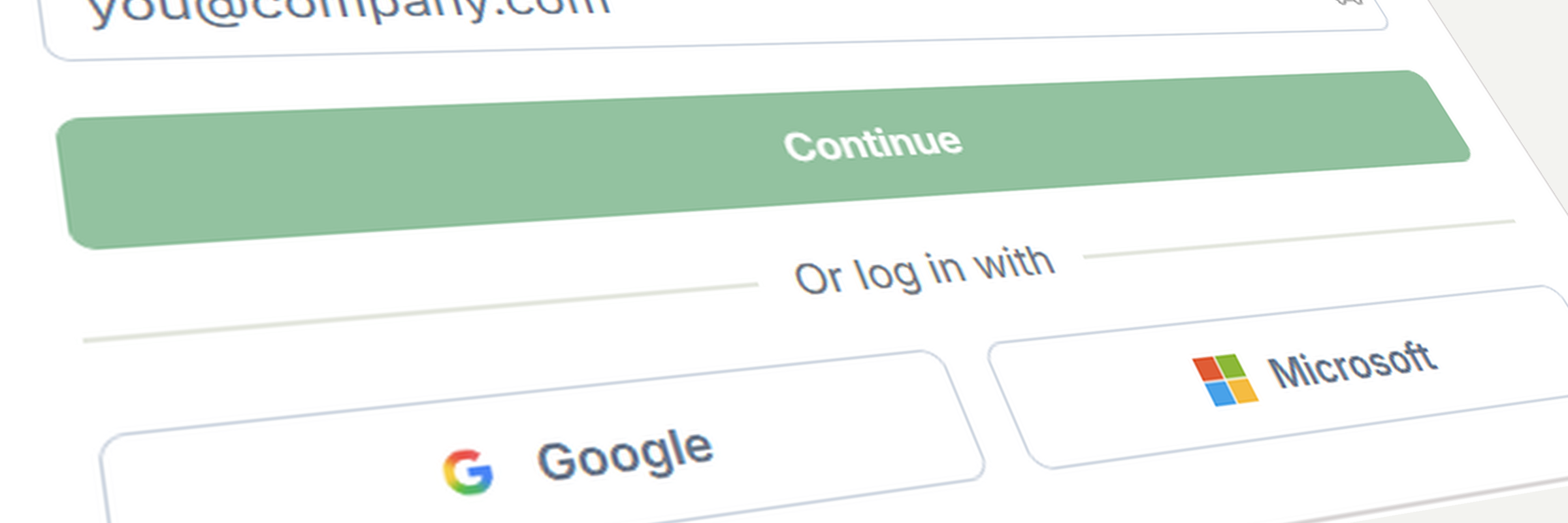
In the next few days, Fresh Projects is getting a new login page. You’ll keep the same account and the same password, with a few new ways to sign in.
What’s New:
Sign in with Google or Microsoft: If your practice runs on Google or Microsoft 365, you’ll be able to sign in with one click. The first time you do, it’ll link to your existing Fresh Projects account.
One login across practices: If you work with more than one practice on Fresh Projects, you’ll be able to switch between them without signing in again.
Your existing login stays the same: Your email and password will work exactly as they do now. There’s no reset and nothing you need to do.
Why This Matters:
Your own security rules apply: If your team signs in with Google or Microsoft, the two-factor and device rules your practice already uses there will cover Fresh Projects too.
Fewer password resets: Signing in with Google or Microsoft means one less password for your team to keep track of, and less time lost to resetting it.
Any questions in the meantime, our support team is happy to help 🚀